sphinx-quickstart on Thu Mar 12 18:29:57 2020. You can adapt this file completely to your liking, but it should at least contain the root toctree directive.

Index
Read a Bible
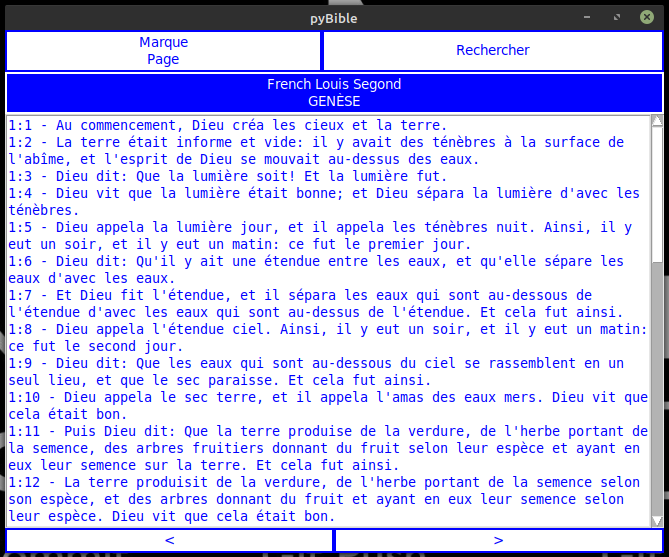
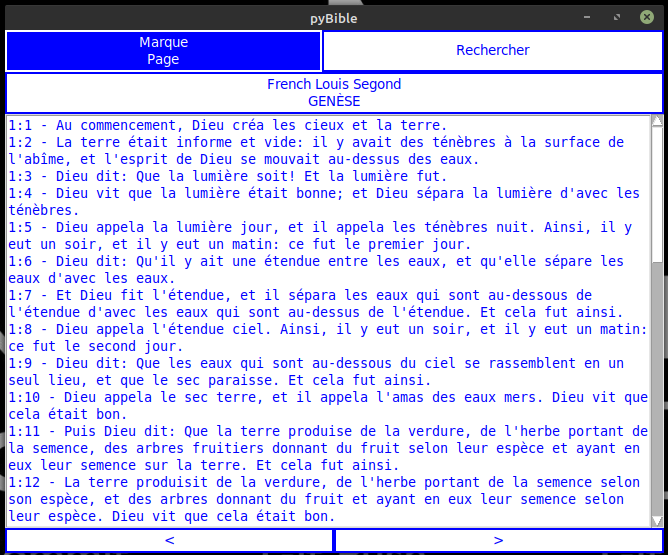
Here is the main interface.
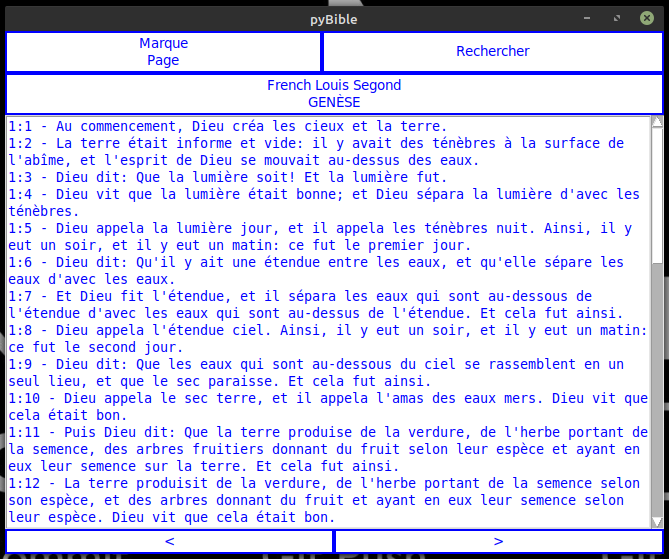
You can turn to the next chapiter clicking on « next ».
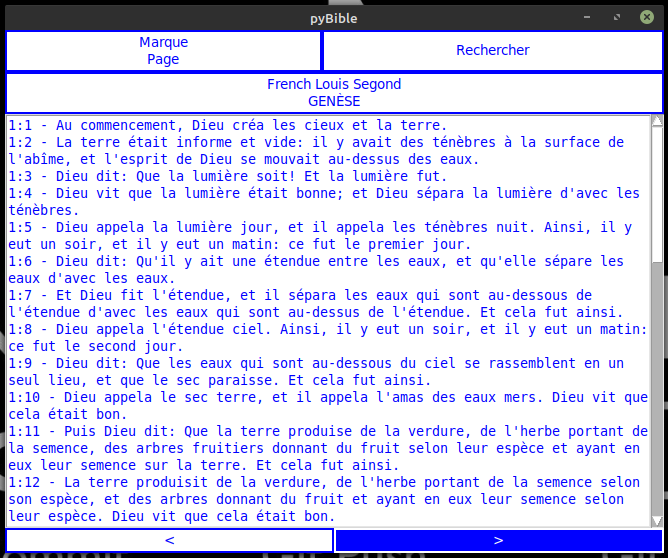
You can turn to the previous chapiter clicking on « previous ».
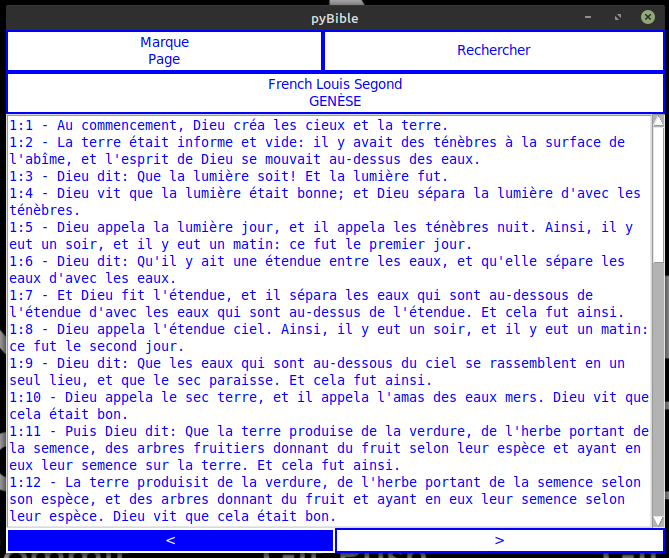
When shutting down the application, the actual chapiter is recorded and restaured at the next start.
Switching translation
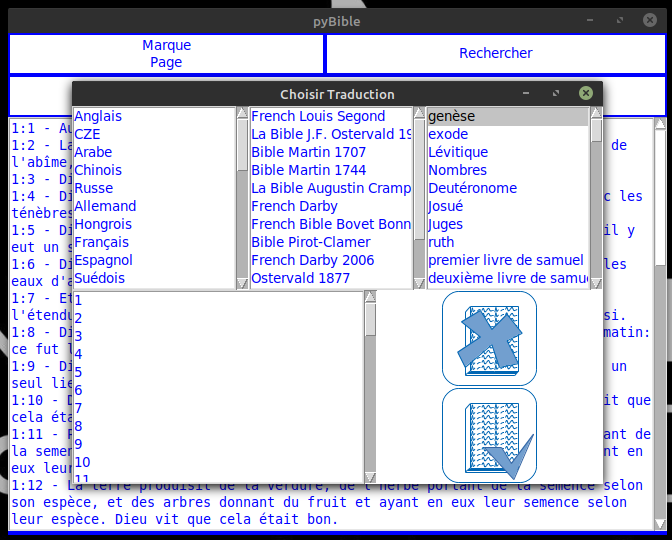
Click on the actual translation to switch.
Select the translation you want to use.
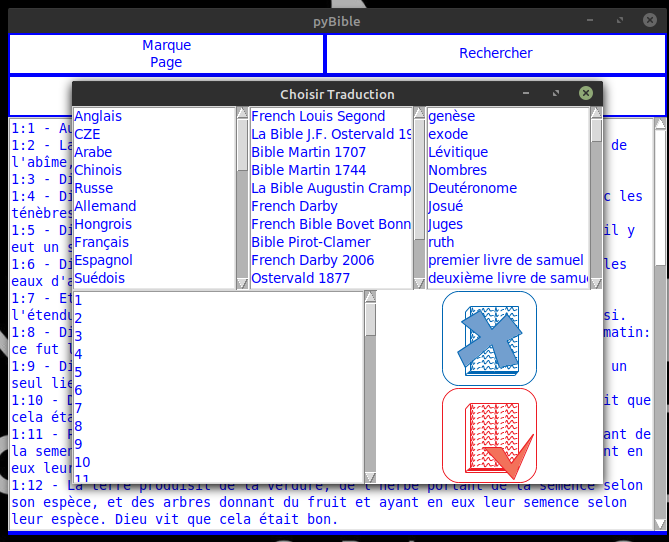
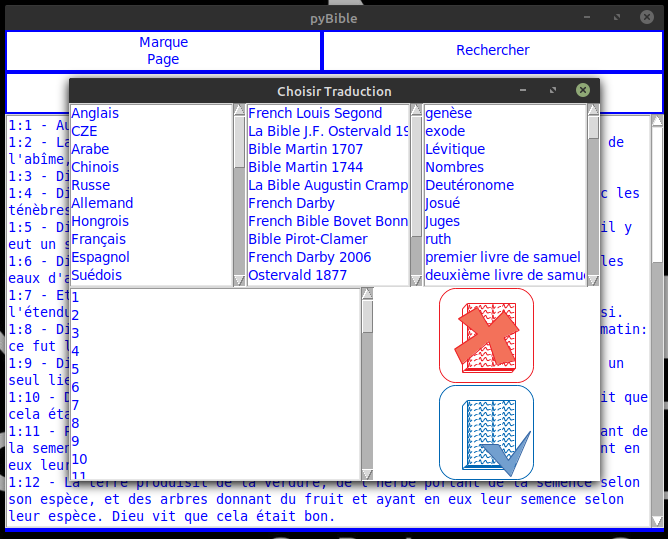
Or cancel.
Bookmarks
You can use your own bookmarks.
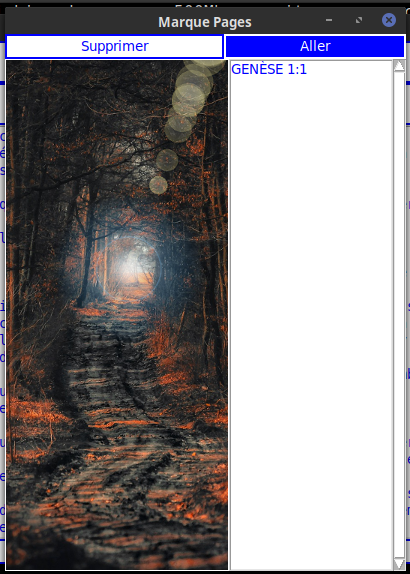
By clicking on « go » the selected bookmark is printing to the main window.
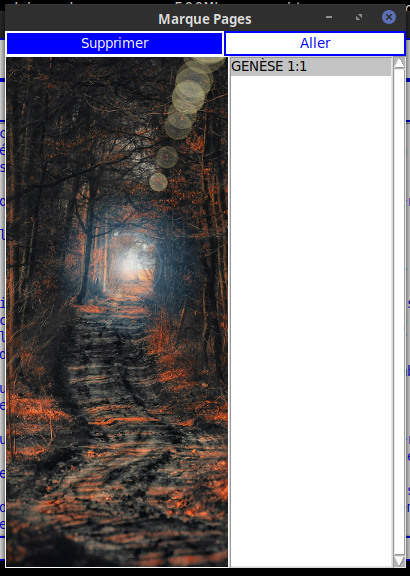
You can also delete a bookmark.
Search
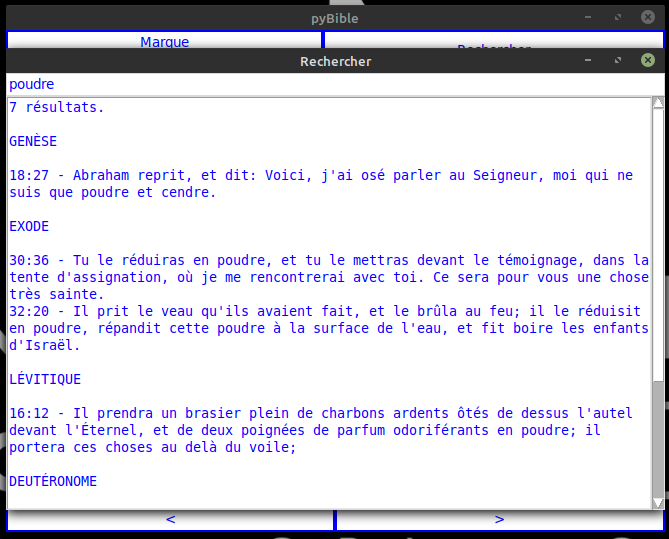
You can search for one word or phrase into the actual active Bible translation.
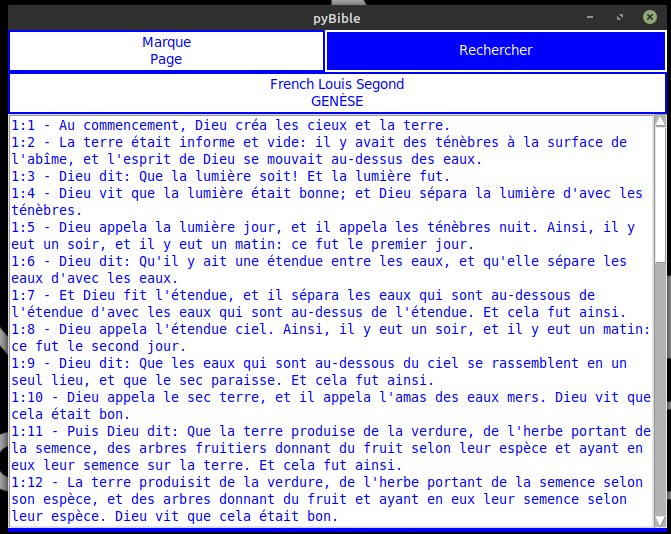
Results will be printed by books.